Home Page
The Home Page lets you create new or open existing circuits. It is also where you can view PsiQuantum's legal information.
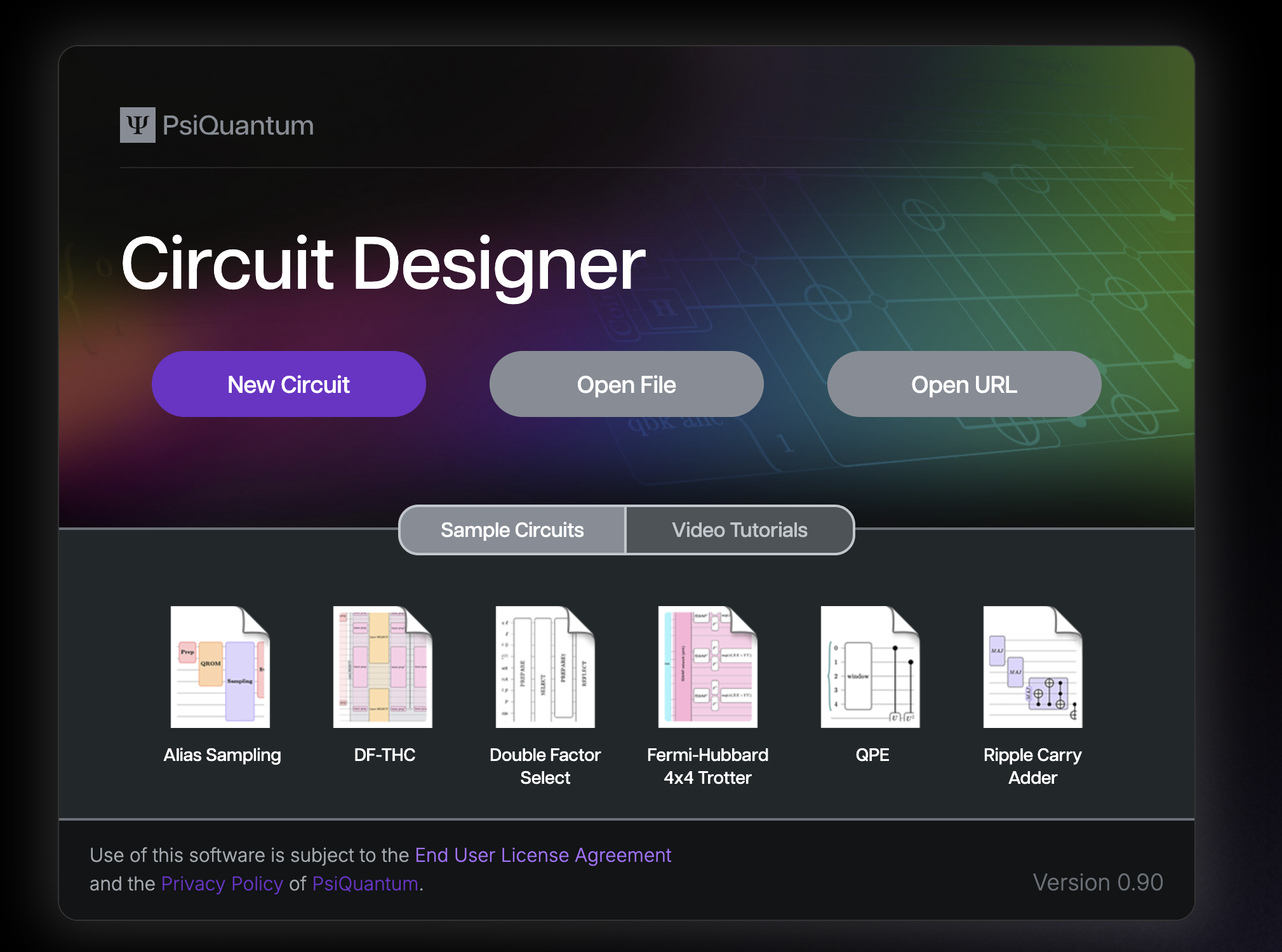
New Circuit
Create a brand new circuit diagram in Circuit Designer. The circuit will start with a single register and a Hadamard gate. It will open in Edit mode.
Open File
Open an existing .circuit file from your desktop in view mode. If you Save this circuit after updating it, it will update the file on your desktop. Use Save As to save the circuit under a new name.
Open URL
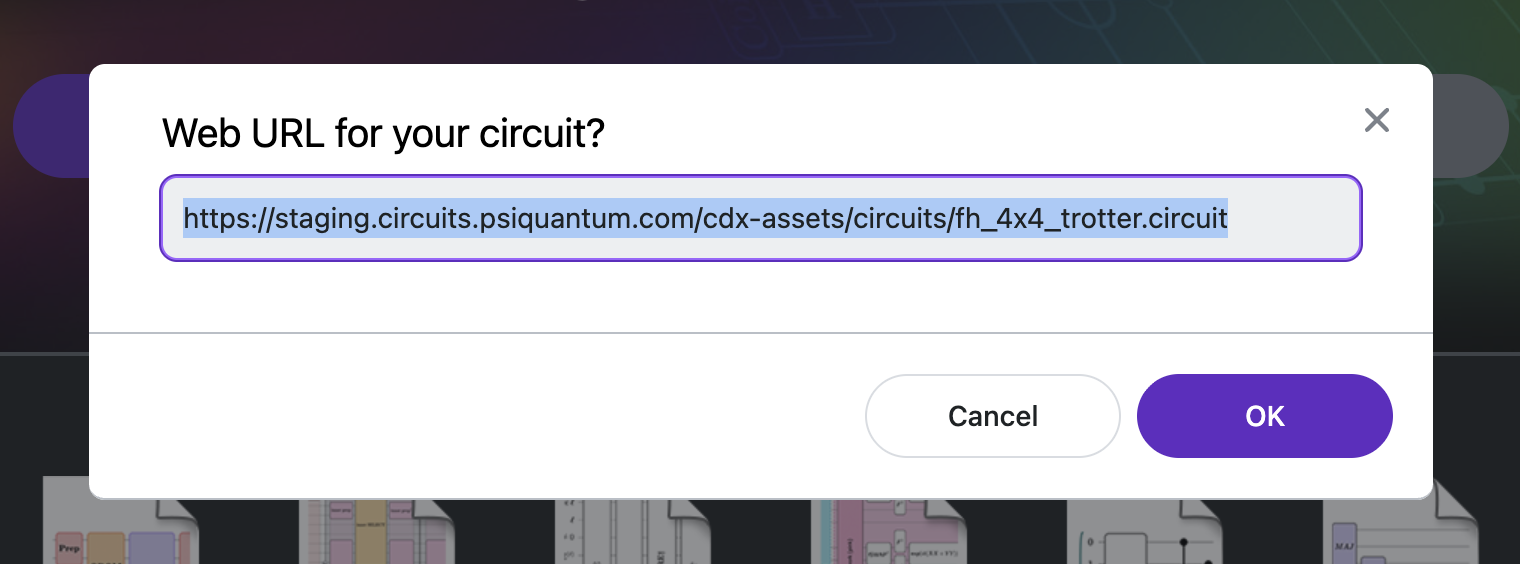
Open an existing .circuit file that is hosted on the web. We recommend hosting files on public github repositories. See how to share a circuit diagram via github for details about sharing.
Open Sample Circuits
Open one of the sample .circuit files in view mode. The example files demonstrate how Circuit Designer can be used for high-level algorithm maps or detailed implementation guides.
Next Steps:
Learn about the Circuit Designer's layout.